The goal
Add the DHT11 sensor and show temperature in °F and °C plus humidity on the LCD.
You'll learn
- ■Reading a digital sensor with a library
- ■Decimal numbers (float)
- ■Checking for bad readings with isnan()
- ■Formatting numbers on a display
1You'll need
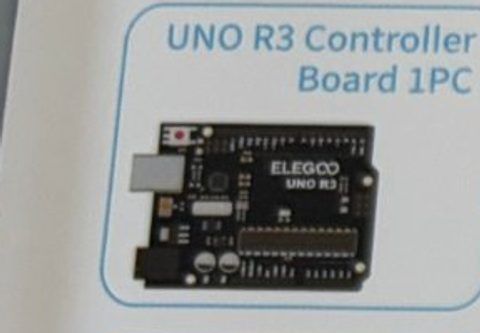
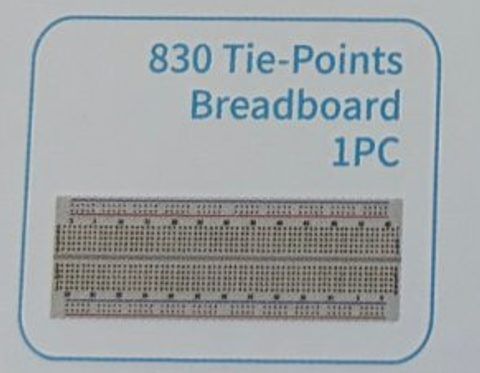
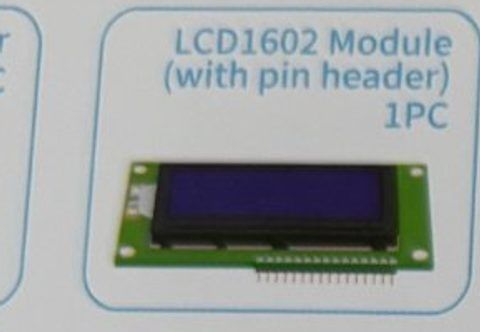
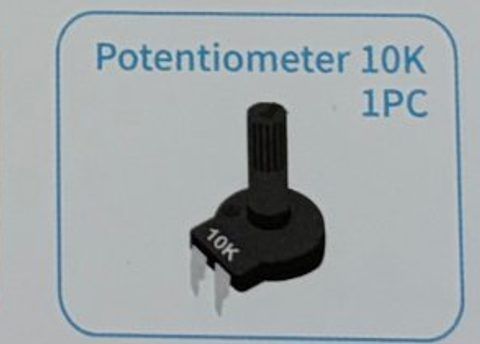
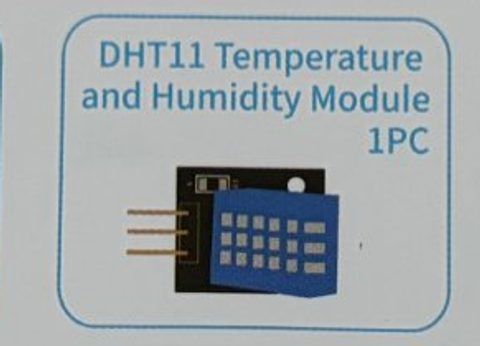
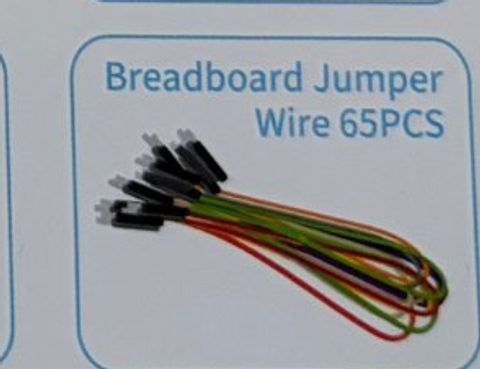
2Wire it up
Keep the whole Hello, LCD circuit. The DHT11 module has three pins; read the labels printed on its board: S is the signal, the middle pin is power, and − is ground.
Pins used on the Arduino
- 1Pin 7 · DHT11 S (signal)
- 2Pin 12 · LCD RS
- 3Pin 11 · LCD E
- 4Pin 5 · LCD D4
- 5Pin 4 · LCD D5
- 6Pin 3 · LCD D6
- 7Pin 2 · LCD D7
- 85V · + rail: LCD, pot, DHT11 middle pin
- 9GND · − rail: LCD, pot, DHT11 −
- All GND pins are connected together, so any GND works.
Step by step
- 1Leave the LCD and potentiometer wired exactly as in Hello, LCD.
- 2DHT11 S → Arduino pin 7.
- 3DHT11 middle pin (+) → breadboard + rail (5V).
- 4DHT11 − → breadboard − rail (GND).
Connection checklist
| From | To | |
|---|---|---|
| ☐ | DHT11 S (signal) | Arduino pin 7 |
| ☐ | DHT11 middle (+) | 5V (+ rail) |
| ☐ | DHT11 − (ground) | GND (− rail) |
| ☐ | LCD + potentiometer | same as Hello, LCD |
3The code
- DHT sensor library by Adafruit. Library Manager → search 'DHT sensor library' → Install. When it asks about dependencies, click Install All (it needs Adafruit Unified Sensor).
Click Copy code, paste it into a new sketch in the Arduino IDE (replacing everything), then click Upload.
// Session 4 - LCD thermometer
#include <LiquidCrystal.h>
#include <DHT.h>

LiquidCrystal lcd(12, 11, 5, 4, 3, 2);

int dhtPin = 7;
DHT dht(dhtPin, DHT11);     // our sensor is the DHT11 type

void setup() {
  lcd.begin(16, 2);
  dht.begin();
  lcd.print("Warming up...");
  delay(2000);              // the DHT11 needs a moment before its first reading
}

void loop() {
  float tempC = dht.readTemperature();        // Celsius
  float tempF = dht.readTemperature(true);    // true = Fahrenheit please
  float humidity = dht.readHumidity();        // percent

  lcd.clear();

  if (isnan(tempC) || isnan(humidity)) {      // isnan = "is not a number" = the reading failed
    lcd.print("Sensor error!");
    lcd.setCursor(0, 1);
    lcd.print("Check wiring");
  } else {
    lcd.print("Temp ");
    lcd.print(tempF, 1);                      // 1 decimal place, e.g. 72.5
    lcd.print((char)223);                     // the degree symbol
    lcd.print("F ");
    lcd.print(tempC, 0);                      // whole number
    lcd.print("C");

    lcd.setCursor(0, 1);
    lcd.print("Humidity ");
    lcd.print(humidity, 0);
    lcd.print("%");
  }

  delay(2000);                                // the DHT11 can only measure every 2 seconds
}Add the active buzzer on pin 8 (+ leg to pin 8, − to GND). Put pinMode(buzzerPin, OUTPUT) in setup() and add this inside the else block.
int buzzerPin = 8;

// inside the else block, after printing:
    if (tempF > 80) {
      lcd.setCursor(11, 1);
      lcd.print("HOT!");
      digitalWrite(buzzerPin, HIGH);
      delay(200);
      digitalWrite(buzzerPin, LOW);
}4How it works
A sensor that talks
Unlike the photoresistor, the DHT11 doesn't give a voltage to measure. It sends a short digital message with the temperature and humidity already worked out. The DHT library decodes that message.
float
int only holds whole numbers. float holds decimals like 72.5. Temperature needs decimals, so we use float. lcd.print(tempF, 1) prints it with one digit after the point.
isnan()
If the sensor's message gets garbled, the library returns NaN ('not a number'). Checking isnan() lets us show 'Sensor error' instead of nonsense.
Slow and steady
The DHT11 is a slow sensor: ask it more than once every 2 seconds and it returns the old reading or an error. That's why loop() ends with delay(2000).
5Try this
- ABreathe on the sensor. Watch the humidity jump. How long until it comes back down?
- BShow only Celsius, or only Fahrenheit, in bigger letters across both rows.
- CRecord the highest temperature seen since power-on and show it on row 2.
- DAdd the fan from Session 2: turn it on automatically when the temperature is over 78 °F. You just built a thermostat.
6Stuck?
'DHT.h: No such file or directory'+
Install 'DHT sensor library' by Adafruit from the Library Manager, including its dependency.
Screen says Sensor error.+
Check the S pin goes to Arduino pin 7 and the middle pin gets 5V. Make sure DHT11 (not DHT22) is in the code.
Temperature seems wrong by a few degrees.+
The DHT11 is accurate to about ±2 °C. It also warms up a little from the circuit. Give it a minute.
Shows a weird symbol instead of °.+
Character 223 is the degree sign on most LCD1602s. If yours shows something else, use lcd.print('o') instead.