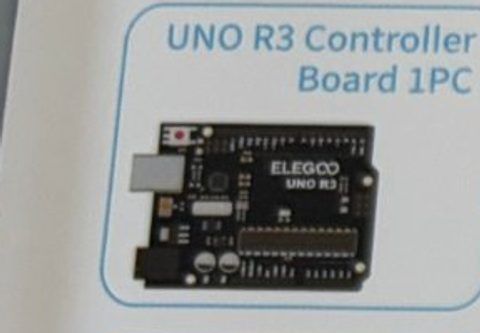
UNO R3 Controller Board
The brain
The Arduino. It runs your code and has pins you can switch on and off or read from. Plug it into a computer with the USB cable.
ELEGOO UNO R3 Super Starter Kit
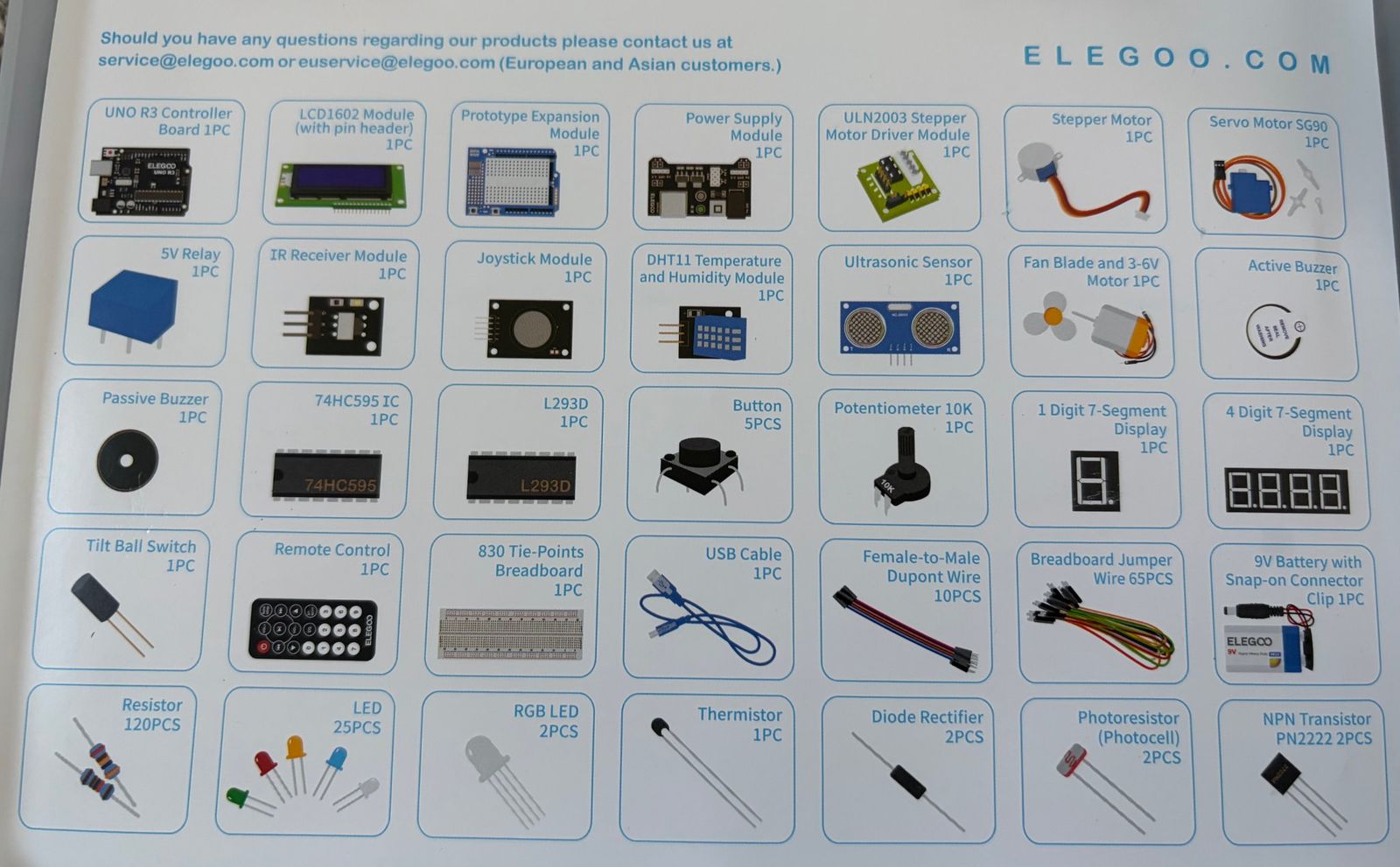
Every part in your kit, what it does, and which tutorials use it. Parts marked "not used in these sessions" are there for when you want to go further.
The brain
The Arduino. It runs your code and has pins you can switch on and off or read from. Plug it into a computer with the USB cable.
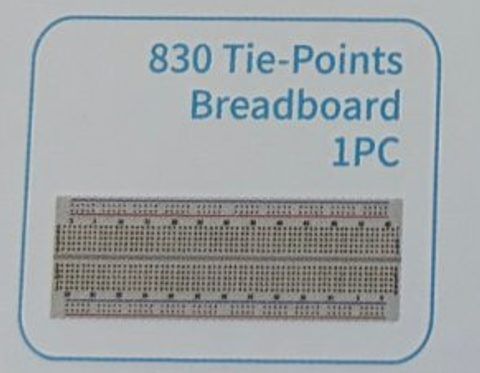
Solder-free circuit board
Push parts and wires into the holes. Each row of 5 holes is connected inside, and the long rails along the edges carry power (+) and ground (−).
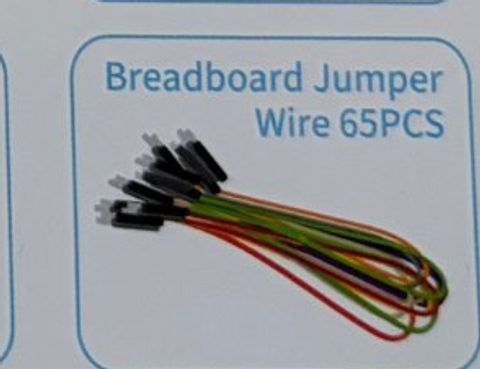
Male-to-male wires
Both ends are pins. Use them to connect the Arduino to the breadboard and to connect rows on the breadboard.
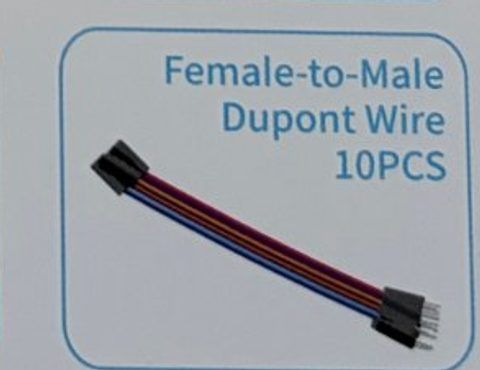
Wires with a socket end
One end is a socket, one end is a pin. Perfect for modules that have pins sticking out (joystick, ultrasonic sensor, DHT11, IR receiver).
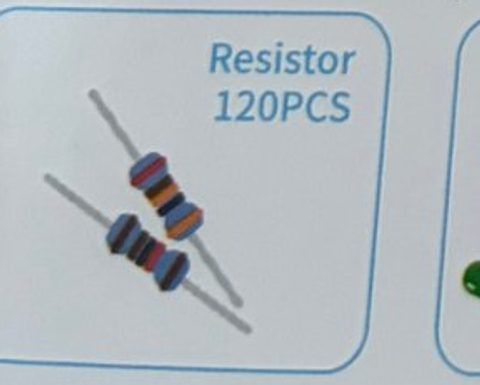
Slows down current
Protects parts from too much current. Read the color bands: 220 Ω = red-red-brown, 1 kΩ = brown-black-red, 10 kΩ = brown-black-orange.
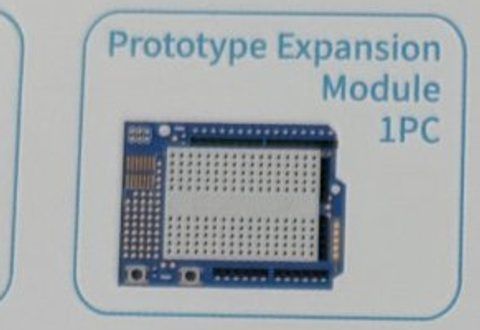
Mini breadboard shield
A shield with a tiny breadboard that sits on top of the UNO. Not used in these sessions.
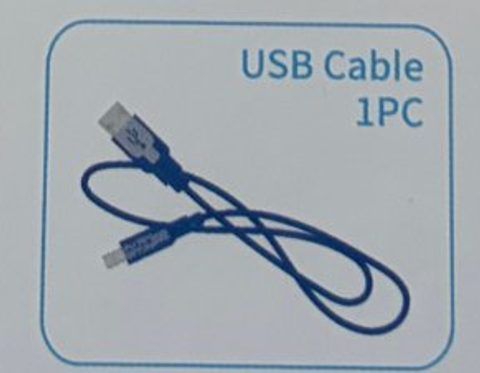
Power + programming
Connects the Arduino to the computer. It carries both power and your uploaded code.
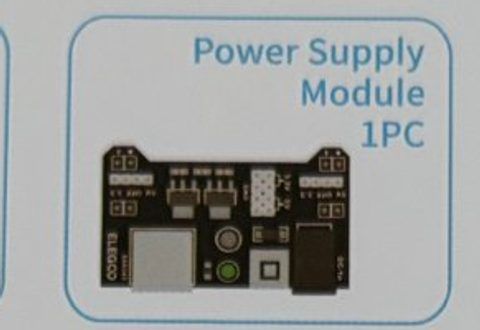
Breadboard power
Plugs onto the end of the breadboard and feeds the power rails from the 9V battery. Set the yellow jumper to 5V. Has its own on/off button.
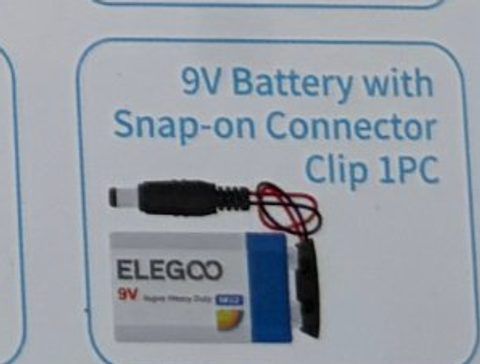
Portable power
Powers motors through the power supply module. Never connect it directly to breadboard parts.
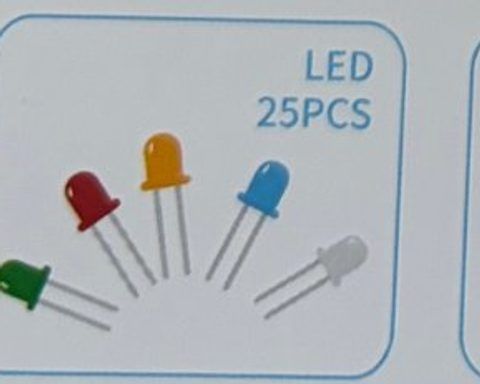
Little light
Light Emitting Diode. Only works one way around: the long leg is + (anode), the short leg next to the flat edge is − (cathode). Always use a 220 Ω resistor with it.
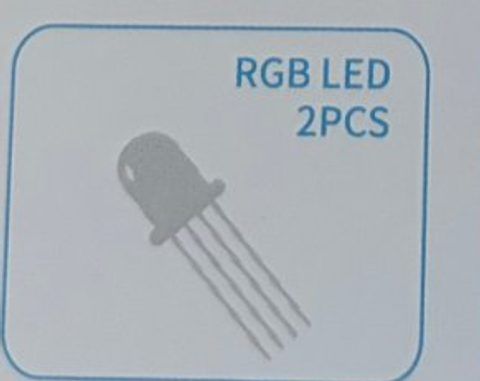
One LED, any color
Four legs: red, ground (the longest leg), green, blue. Mix the three colors with different brightness to make any color.
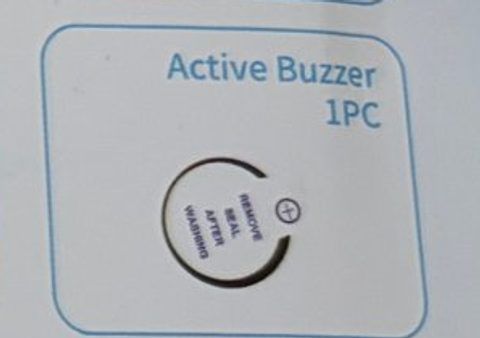
Beeps when powered
Has a sticker on top and makes one tone as soon as it gets power. The longer leg (marked +) goes to the Arduino pin.
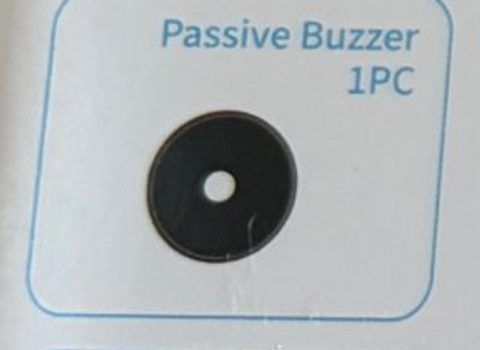
Plays any note
Looks like the active buzzer but with an open top. It only makes sound when the Arduino sends it a tone, so it can play melodies.
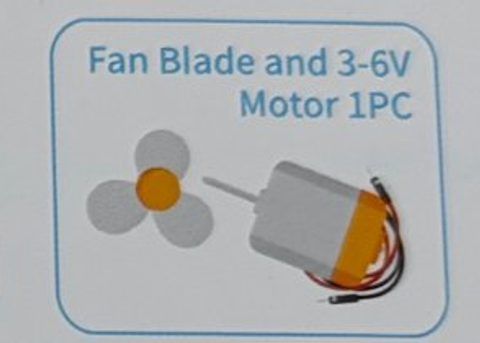
DC motor
A small motor that spins when powered. Needs more current than an Arduino pin can give, so we drive it with the L293D chip and the power supply module.
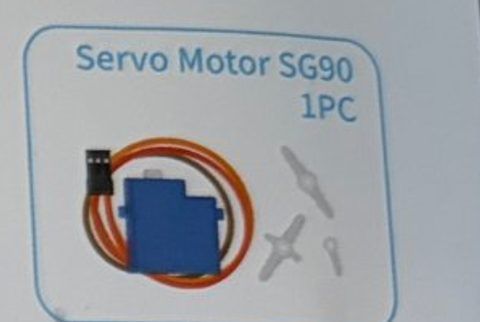
Motor that turns to an angle
Tell it an angle from 0 to 180 degrees and it turns there. Three wires: brown = ground, red = 5V, orange = signal.
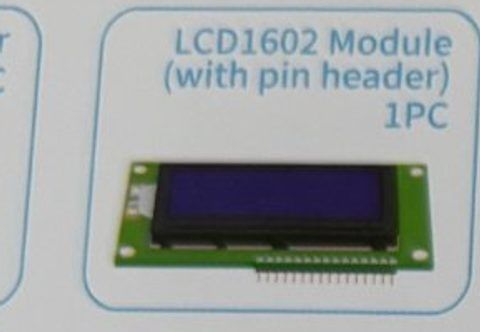
16×2 text screen
Shows 2 rows of 16 characters. Uses a lot of wires, but the LiquidCrystal library makes it easy to print text.
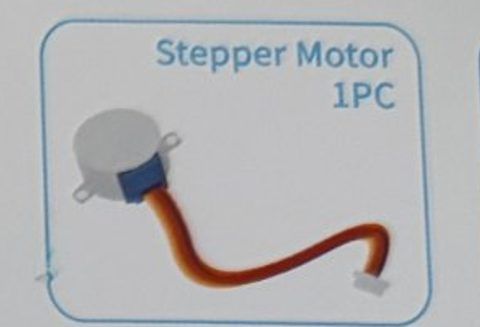
Precise turning motor
Turns in exact small steps. Needs the ULN2003 driver. Not used in these sessions.
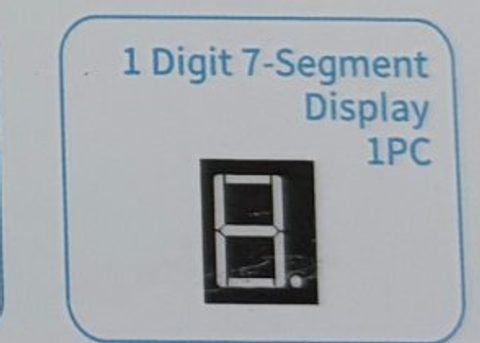
Single digit
Shows one number using 7 LED bars. Not used in these sessions.
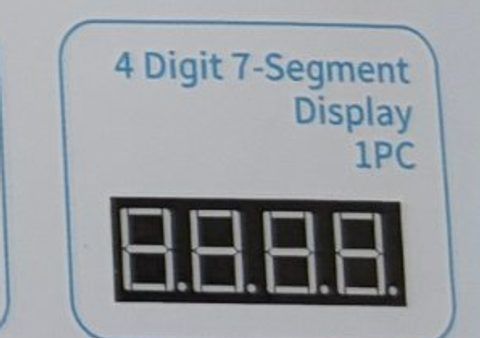
Four digits
Shows up to four numbers. Not used in these sessions.
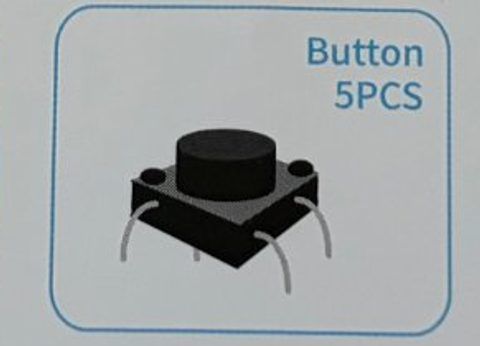
Press to connect
Four legs. Legs on the same side are already connected; pressing joins the two sides. Place it straddling the gap in the middle of the breadboard.
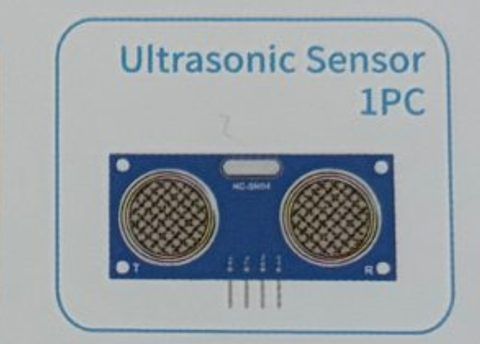
Measures distance
Sends out a click too high to hear and times the echo, like a bat. Tells you how far away the nearest object is in centimeters.
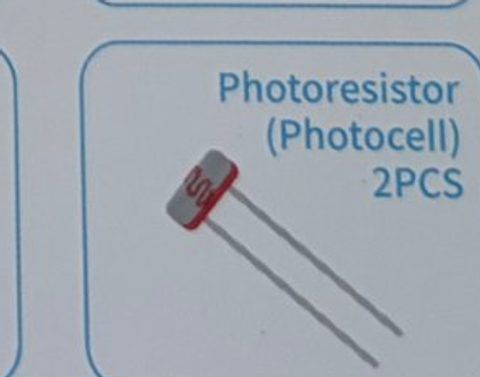
Light sensor
Its resistance changes with light: bright = low resistance, dark = high. Pair it with a 10 kΩ resistor to read light levels on an analog pin.
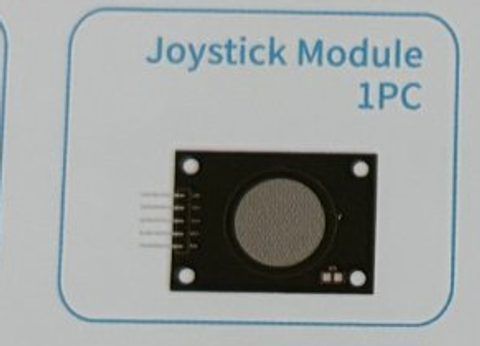
Two knobs + a button
Like a game controller stick. VRx and VRy give the left/right and up/down positions; pressing the stick down clicks a button (SW).
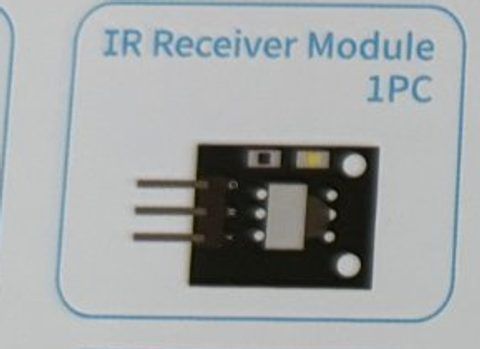
Sees remote signals
Picks up the invisible infrared flashes from the remote control. Pins are labeled G (ground), R (5V), and Y (signal).
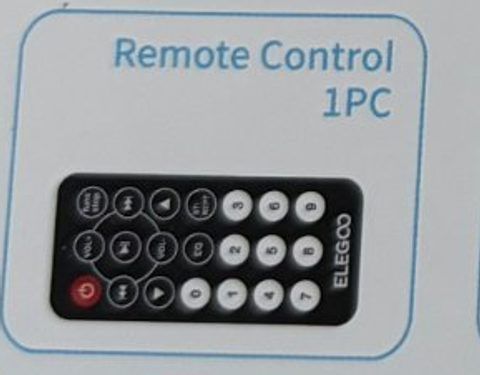
Infrared remote
Every button sends a different code. Pull the plastic tab out of the battery slot before first use.
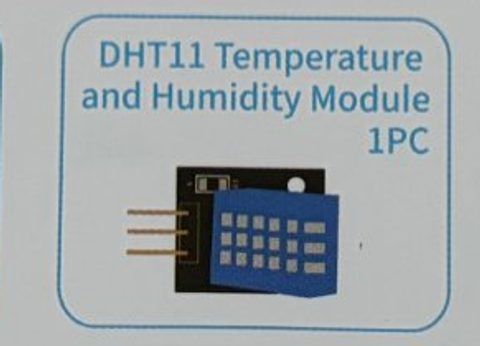
Weather sensor
Measures temperature and humidity. Three pins: S (signal), middle (5V), − (ground). Only reads once every 2 seconds.
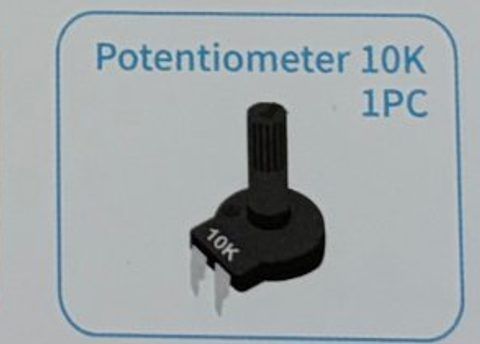
Turnable knob
A variable resistor. Turning the knob changes the voltage on the middle leg. Used here to set the LCD contrast.
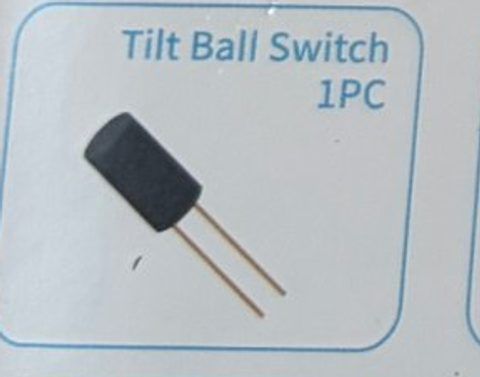
Knows when it's tipped
A tiny ball inside connects the legs when it's upright and rolls away when tilted. Great for a tamper alarm.
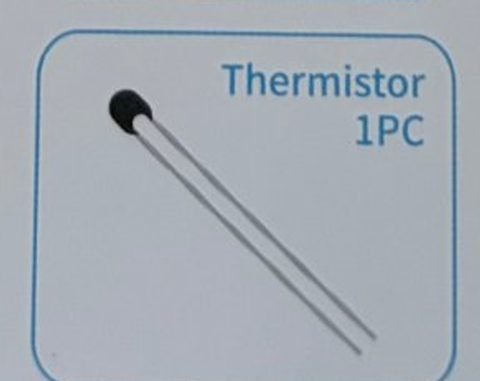
Heat-sensitive resistor
A resistor that changes with temperature. We use the DHT11 instead because it gives a ready-made reading.
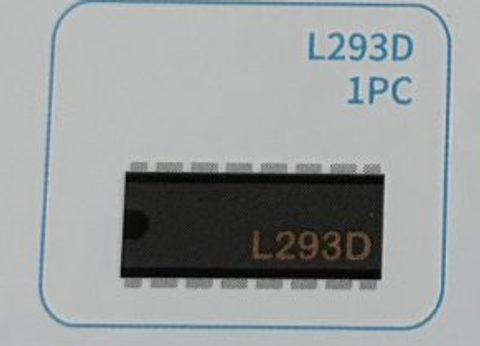
Motor control chip
An H-bridge chip. The Arduino tells it what to do with tiny signals, and it switches the big motor current on, off, forward, and backward.
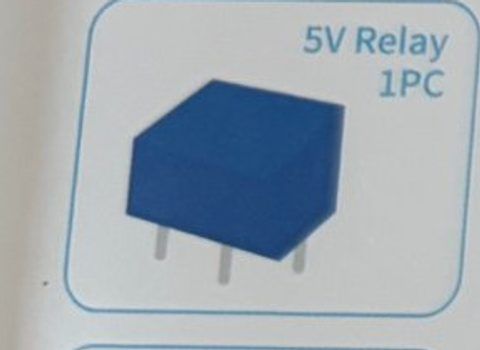
Electrically-controlled switch
A small signal flips a switch that can control bigger loads. Not used in these sessions.
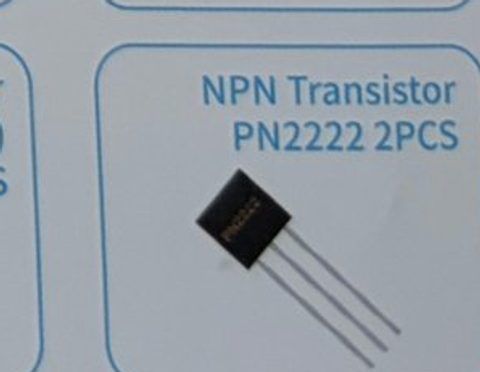
Tiny electronic switch
Lets a small current control a larger one. Not used in these sessions.
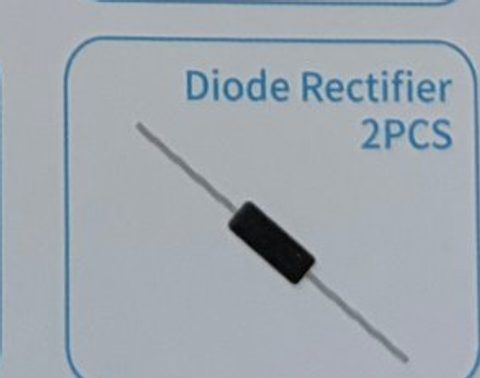
One-way valve
Lets current flow one direction only. Not used in these sessions.
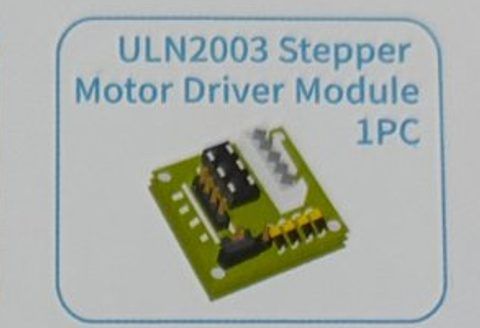
Drives the stepper motor
Driver board for the stepper motor. Not used in these sessions.
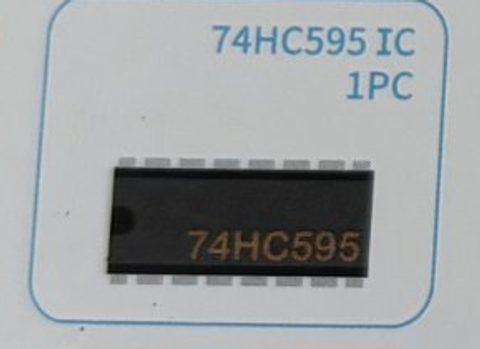
More outputs chip
Turns 3 Arduino pins into 8 outputs. Not used in these sessions.