The goal
Use the Servo library to turn the SG90 to whatever angle the joystick points at.
You'll learn
- ■What a servo is and how it's different from the fan motor
- ■Including a library
- ■map() to convert one range into another
1You'll need
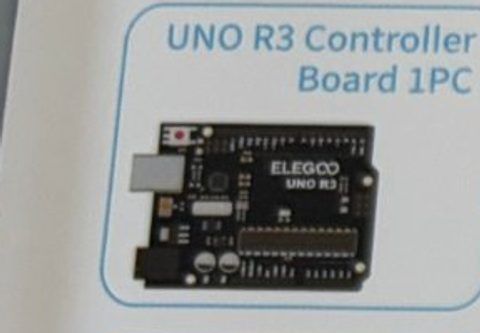
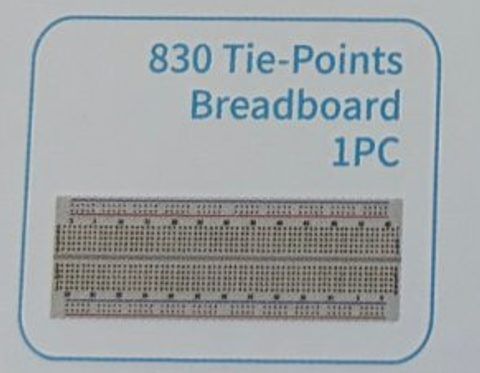

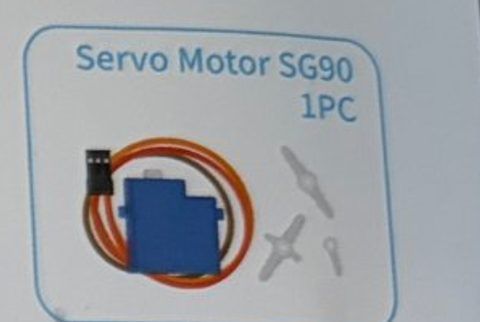
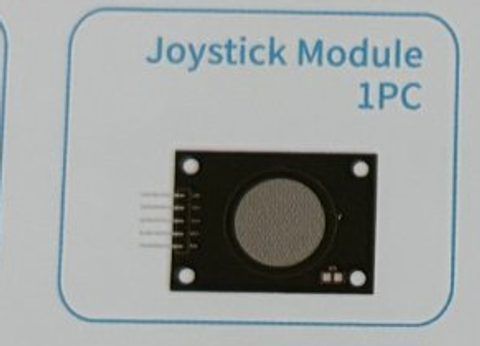
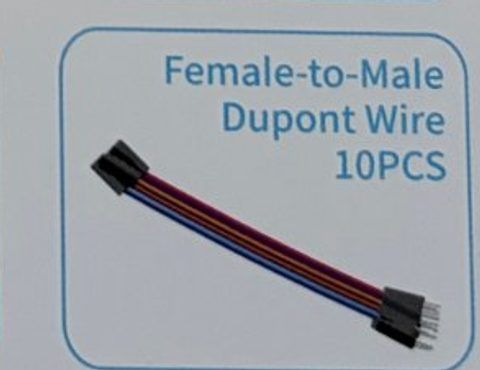
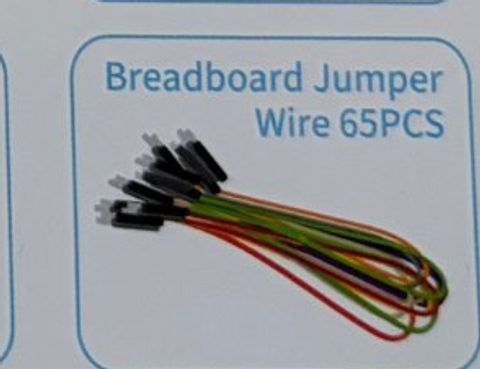
2Wire it up
The servo has a three-wire plug: brown = ground, red = 5V, orange = signal. Push the pin ends of jumper wires into the plug's sockets. Press one of the white arms onto the servo's gear so you can see it move.
Pins used on the Arduino
- 1Pin 9 · Servo orange (signal)
- 25V · Servo red + joystick +5V
- 3A0 · Joystick VRx
- 4GND · Servo brown + joystick GND
- All GND pins are connected together, so any GND works.
Step by step
- 1Jumper wire from Arduino GND to the breadboard − rail, and from Arduino 5V to the + rail (both the servo and joystick need power).
- 2Servo brown → − rail. Servo red → + rail. Servo orange → Arduino pin 9.
- 3Joystick GND → − rail. Joystick +5V → + rail. Joystick VRx → A0.
Connection checklist
| From | To | |
|---|---|---|
| ☐ | Servo brown wire | GND (− rail) |
| ☐ | Servo red wire | 5V (+ rail) |
| ☐ | Servo orange wire | Arduino pin 9 |
| ☐ | Joystick GND | GND (− rail) |
| ☐ | Joystick +5V | 5V (+ rail) |
| ☐ | Joystick VRx | Arduino A0 |
3The code
Click Copy code, paste it into a new sketch in the Arduino IDE (replacing everything), then click Upload.
// Session 3 - Joystick turns a motor
#include <Servo.h>      // the Servo library is built into the Arduino IDE

Servo myServo;
int xPin = A0;
int servoPin = 9;

void setup() {
  myServo.attach(servoPin);
}

void loop() {
  int x = analogRead(xPin);                 // 0 to 1023
  int angle = map(x, 0, 1023, 0, 180);      // squash that into 0 to 180 degrees
  myServo.write(angle);                     // go there!
  delay(15);                                // give the servo a moment to move
}Keep the Session 2 fan circuit on the breadboard (L293D on pins 3, 4, 5) and plug the joystick's VRy into A1. The further forward you push, the faster the fan spins.
#include <Servo.h>

Servo myServo;
int xPin = A0;
int yPin = A1;
int servoPin = 9;

int enablePin = 5;   // L293D pin 1
int input1 = 3;      // L293D pin 2
int input2 = 4;      // L293D pin 7

void setup() {
  myServo.attach(servoPin);
  pinMode(enablePin, OUTPUT);
  pinMode(input1, OUTPUT);
  pinMode(input2, OUTPUT);
  digitalWrite(input1, HIGH);   // fan direction
  digitalWrite(input2, LOW);
}

void loop() {
  // servo follows left/right
  int x = analogRead(xPin);
  myServo.write(map(x, 0, 1023, 0, 180));

  // fan speed follows forward push
  int y = analogRead(yPin);
  int speed = 0;
  if (y < 400) {                               // pushed forward
    speed = map(y, 400, 0, 120, 255);          // further forward = faster
  }
  analogWrite(enablePin, speed);

  delay(15);
}4How it works
Servo vs. DC motor
The fan motor just spins. A servo turns to an exact angle and holds it there, which is why robots and RC cars use them. Inside is a small motor, gears, and a sensor that checks the angle.
Libraries
#include <Servo.h> loads code someone else wrote so we don't have to. The Servo library handles the precise timing pulses the servo needs. myServo.write(90) is all we type.
map()
map(value, fromLow, fromHigh, toLow, toHigh) stretches or squashes a number from one range into another. The joystick gives 0 to 1023, the servo wants 0 to 180, so map(x, 0, 1023, 0, 180) does the math.
5Try this
- AMake the servo move the opposite way: map(x, 0, 1023, 180, 0).
- BLimit it to 45 to 135 degrees so it can't slam into the ends.
- CTape a pointer to the servo arm and make a dial that shows the stick position.
- DUse VRy for the servo and VRx for something else. Build a two-axis controller!
6Stuck?
Servo jitters or buzzes at the end.+
Normal when it's pushed to 0 or 180. Try limiting the range to 10 to 170.
Servo doesn't move at all.+
Check orange goes to pin 9 and red/brown aren't swapped. Make sure myServo.attach(9) is in setup().
Arduino resets when the servo moves.+
The servo is drawing a lot of power from USB. Use the power supply module's 5V for the servo's red wire (keep grounds connected).