The goal
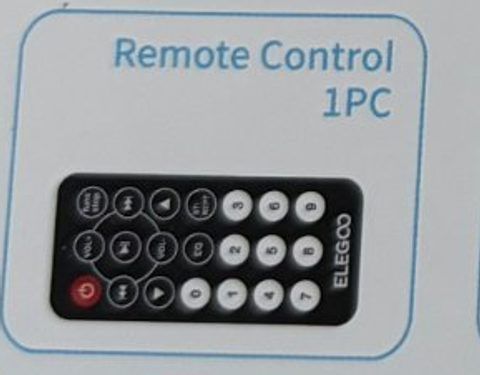
Decode the buttons on the infrared remote and use them to control the fan.
You'll learn
- ■How infrared remotes send codes
- ■Installing a library from the Library Manager
- ■Reading and comparing codes
- ■#define for naming buttons
1You'll need
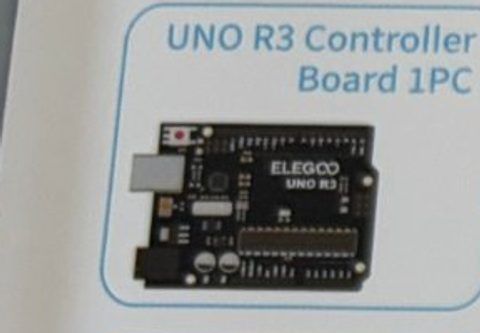
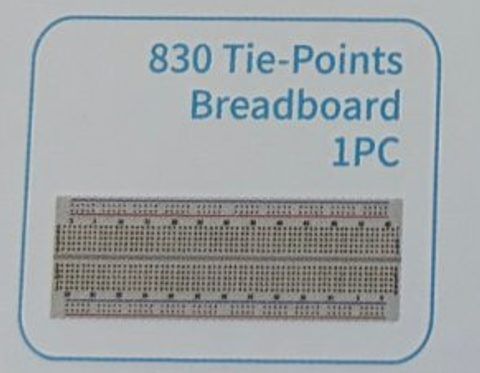
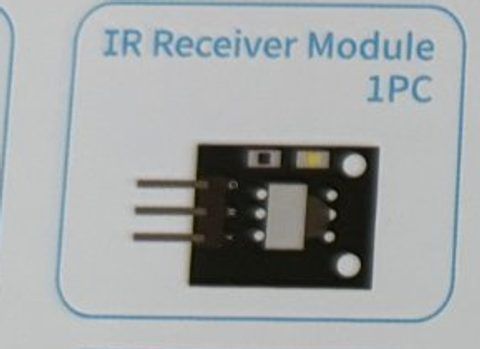
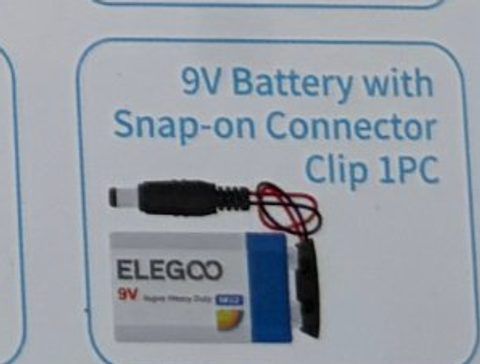
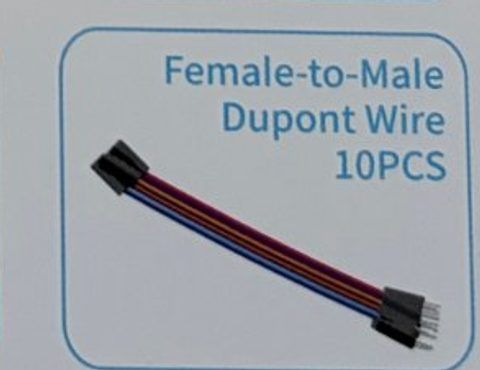
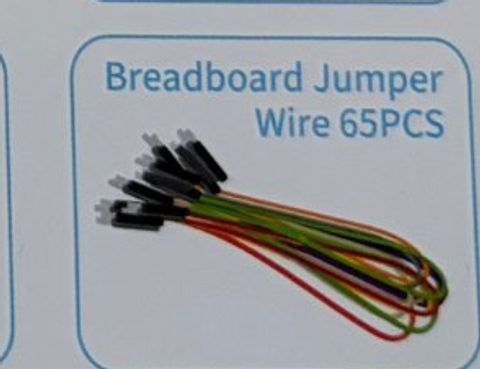
2Wire it up
Build the fan circuit exactly like Spin a fan (Session 2), then add the IR receiver. The receiver's three pins are labeled G, R, Y: Ground, Red (5V), and Y for the signal.
Pins used on the Arduino
- 1Pin 11 · IR receiver Y (signal)
- 25V · IR receiver R + L293D pin 16
- 3Pin 5 · L293D pin 1 (Enable)
- 4Pin 3 · L293D pin 2 (Input 1)
- 5Pin 4 · L293D pin 7 (Input 2)
- 6GND · IR receiver G + breadboard − rail
- All GND pins are connected together, so any GND works.
Step by step
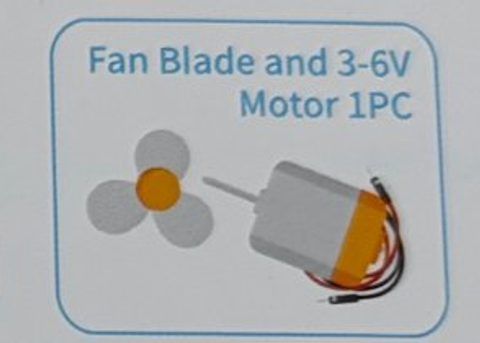
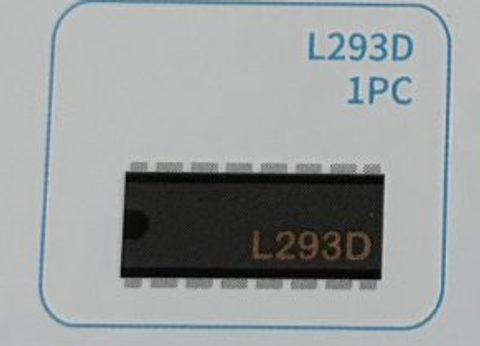
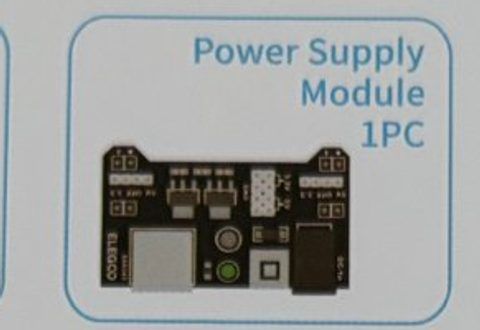
- 1Build the Spin a fan circuit: L293D, power supply module, battery, and motor. Pins 3, 4, 5 on the Arduino.
- 2IR receiver G → Arduino GND. IR receiver R → Arduino 5V. IR receiver Y → Arduino pin 11.
- 3Pull the clear plastic tab out of the remote's battery slot so the battery connects.
- 4Point the remote at the receiver's black bump when you press buttons.
Connection checklist
| From | To | |
|---|---|---|
| ☐ | IR receiver G | Arduino GND |
| ☐ | IR receiver R | Arduino 5V |
| ☐ | IR receiver Y | Arduino pin 11 |
| ☐ | L293D pin 1 (Enable) | Arduino pin 5 (~) |
| ☐ | L293D pin 2 (Input 1) | Arduino pin 3 |
| ☐ | L293D pin 7 (Input 2) | Arduino pin 4 |
| ☐ | L293D pins 3 and 6 | Motor wires |
| ☐ | L293D pins 4 and 5 | Breadboard − rail |
| ☐ | L293D pin 8 | Breadboard + rail (power module 5V) |
| ☐ | L293D pin 16 | Arduino 5V |
| ☐ | Arduino GND | Breadboard − rail |
3The code
- IRremote by shirriff, z3t0, ArminJo. Sketch → Include Library → Manage Libraries, search IRremote, install version 4 or newer.
Click Copy code, paste it into a new sketch in the Arduino IDE (replacing everything), then click Upload.
Upload this first, open the Serial Monitor (9600 baud), and press buttons on the remote. Write down the codes for POWER, VOL+ and VOL−.
// Session 3 - Remote code finder
#include <IRremote.hpp>

int receiverPin = 11;

void setup() {
  Serial.begin(9600);
  IrReceiver.begin(receiverPin, ENABLE_LED_FEEDBACK);  // the L light blinks when a signal arrives
  Serial.println("Point the remote at the receiver and press buttons...");
}

void loop() {
  if (IrReceiver.decode()) {
    // holding a button sends "repeat" signals - skip those
    if (!(IrReceiver.decodedIRData.flags & IRDATA_FLAGS_IS_REPEAT)) {
      Serial.print("Button code: 0x");
      Serial.println(IrReceiver.decodedIRData.command, HEX);
    }
    IrReceiver.resume();   // get ready for the next button
  }
}If your codes from Step 1 are different from the ones below, change the three #define lines.
// Session 3 - Remote control fan
#include <IRremote.hpp>

int receiverPin = 11;
int enablePin = 5;   // L293D pin 1
int input1 = 3;      // L293D pin 2
int input2 = 4;      // L293D pin 7

// Button codes for the ELEGOO remote (check yours with the code finder)
#define BTN_POWER    0x45
#define BTN_VOL_UP   0x46
#define BTN_VOL_DOWN 0x15

bool fanOn = false;
int fanSpeed = 200;   // 100 (slow) to 255 (full)

void setup() {
  pinMode(enablePin, OUTPUT);
  pinMode(input1, OUTPUT);
  pinMode(input2, OUTPUT);
  digitalWrite(input1, HIGH);   // pick a direction
  digitalWrite(input2, LOW);

  Serial.begin(9600);
  IrReceiver.begin(receiverPin, ENABLE_LED_FEEDBACK);
  Serial.println("Ready. POWER = on/off, VOL+ / VOL- = speed");
}

void updateFan() {
  if (fanOn) {
    analogWrite(enablePin, fanSpeed);
  } else {
    analogWrite(enablePin, 0);
  }
  Serial.print("Fan: ");
  Serial.print(fanOn ? "ON" : "OFF");
  Serial.print("   speed: ");
  Serial.println(fanSpeed);
}

void loop() {
  if (IrReceiver.decode()) {
    bool isRepeat = IrReceiver.decodedIRData.flags & IRDATA_FLAGS_IS_REPEAT;
    int code = IrReceiver.decodedIRData.command;

    if (!isRepeat) {
      if (code == BTN_POWER) {
        fanOn = !fanOn;
      } else if (code == BTN_VOL_UP) {
        fanSpeed = min(fanSpeed + 25, 255);
      } else if (code == BTN_VOL_DOWN) {
        fanSpeed = max(fanSpeed - 25, 100);   // below about 100 the motor just hums
      }
      updateFan();
    }
    IrReceiver.resume();
  }
}4How it works
Invisible flashes
The remote has an infrared LED on the front. Press a button and it flashes a pattern too fast and too red for your eyes. (Your phone camera can see it: try it!) The receiver module turns those flashes back into a number.
Every button has a code
The ELEGOO remote uses the NEC protocol. The POWER button sends 0x45, VOL+ sends 0x46, and so on. 0x means it's a hexadecimal number. Your code finder sketch shows each one.
#define
#define BTN_POWER 0x45 tells the compiler 'wherever you see BTN_POWER, put 0x45'. It's a way to give a name to a number so the code reads like English.
Repeat signals
If you hold a button, the remote keeps sending 'same as before' repeat signals. We ignore them so the fan doesn't flip on and off while your finger is down.
Common ELEGOO remote codes
POWER 0x45 · VOL+ 0x46 · FUNC/STOP 0x47 · ⏮ 0x44 · ⏯ 0x40 · ⏭ 0x43 · DOWN 0x07 · VOL− 0x15 · UP 0x09 · 0 0x16 · EQ 0x19 · ST/REPT 0x0D · 1 0x0C · 2 0x18 · 3 0x5E · 4 0x08 · 5 0x1C · 6 0x5A · 7 0x42 · 8 0x52 · 9 0x4A
5Try this
- AUse the number buttons: 1 = slowest, 9 = fastest.
- BMake the UP and DOWN arrows flip the fan's direction.
- CAdd the RGB LED: green when the fan is on, red when off.
- DControl the Session 1 LED and the fan from the same remote.
6Stuck?
Error: IRremote.hpp: No such file or directory.+
The library isn't installed. Open the Library Manager (the books icon on the left) and install IRremote.
Code finder prints nothing.+
Remove the plastic tab from the remote's battery. Check the Y pin goes to pin 11 and R to 5V. Point directly at the receiver from under a meter away.
The codes I see are long like 0xFFA25D.+
You have an old IRremote (version 2). Update it to version 4 in the Library Manager, or use the last two digits of the long code.
Fan turns on but the remote stops working.+
Motor noise can confuse the receiver. Keep the receiver wires away from the motor wires and make sure all grounds are shared.