The goal
Use loop() and delay() to blink an LED, then invent your own pattern.
You'll learn
- ■How loop() repeats
- ■What delay() does and how milliseconds work
- ■How to make patterns like SOS
1You'll need
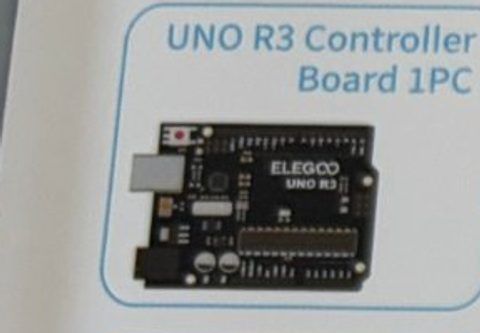
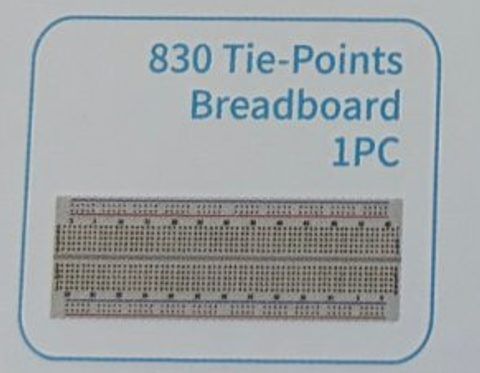
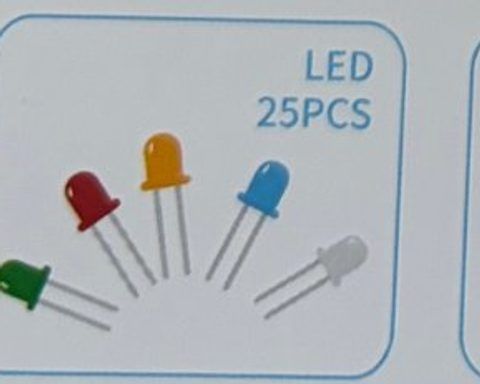
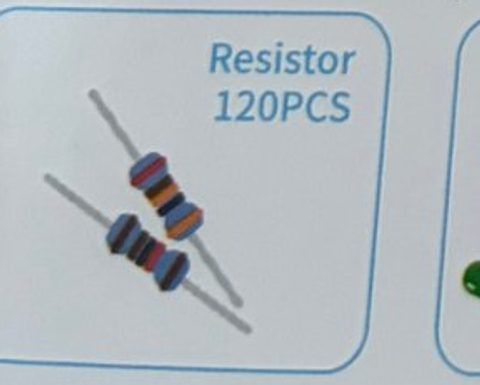
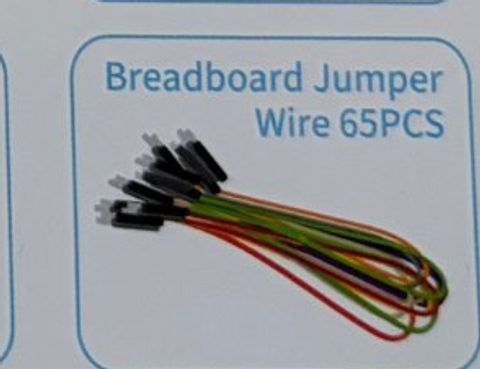
2Wire it up
Same wiring as Light it up. If your LED is still wired from the last tutorial, you're ready to go.
Pins used on the Arduino
- 1Pin 13 · Resistor → LED long leg (+)
- 2GND · LED short leg (−)
- All GND pins are connected together, so any GND works.
Step by step
- 1Pin 13 → 220 Ω resistor → LED long leg.
- 2LED short leg → GND.
Connection checklist
| From | To | |
|---|---|---|
| ☐ | Arduino pin 13 | 220 Ω resistor |
| ☐ | Other end of resistor | LED long leg (+) |
| ☐ | LED short leg (−) | Arduino GND |
3The code
Click Copy code, paste it into a new sketch in the Arduino IDE (replacing everything), then click Upload.
// Session 1 - Blink
int ledPin = 13;

void setup() {
  pinMode(ledPin, OUTPUT);
}

void loop() {
  digitalWrite(ledPin, HIGH);  // on
  delay(1000);                 // wait 1000 milliseconds = 1 second
  digitalWrite(ledPin, LOW);   // off
  delay(1000);                 // wait again
} // ...then loop() starts over!Three short, three long, three short. The function blinkFor() saves us from typing the same four lines nine times.
int ledPin = 13;

void setup() {
  pinMode(ledPin, OUTPUT);
}

// flash the LED on for a number of milliseconds, then off
void blinkFor(int ms) {
  digitalWrite(ledPin, HIGH);
  delay(ms);
  digitalWrite(ledPin, LOW);
  delay(200);
}

void loop() {
  blinkFor(200); blinkFor(200); blinkFor(200);   // S  (short)
  blinkFor(600); blinkFor(600); blinkFor(600);   // O  (long)
  blinkFor(200); blinkFor(200); blinkFor(200);   // S  (short)
  delay(1500);                                   // pause before repeating
}4How it works
delay() freezes time
delay(1000) tells the Arduino to do nothing for 1000 milliseconds (1 second). While it waits, the LED stays however you left it. On, wait, off, wait, repeat: that's a blink.
Milliseconds
1000 ms = 1 second. 500 ms = half a second. 100 ms = a tenth of a second. Anything under about 30 ms looks like it's always on because your eyes can't keep up.
Functions
In the SOS code, blinkFor() is a function we made ourselves. Writing a set of steps once and giving it a name means we can reuse it with one word. setup() and loop() are functions too.
5Try this
- AChange both delays to 100. Now try 50. When does it stop looking like blinking?
- BMake it stay on for 2 seconds and off for a quarter second.
- CBlink your initials in Morse code. (Look up the Morse alphabet.)
- DAdd a second LED on pin 12 and make them alternate like railroad crossing lights.
6Stuck?
The LED stays on and never blinks.+
Check that you have both a HIGH and a LOW line in loop(), with a delay after each.
Error: 'expected ; before ...'+
Every line that does something needs a semicolon ; at the end. Look at the line number in the error message.
Nothing changed after I edited the code.+
You have to click Upload (the → arrow) every time you change the code.