The goal
Use the ultrasonic sensor to measure distance and sound an alarm when something comes too close.
You'll learn
- ■How ultrasonic distance sensors work (like bats!)
- ■Timing echoes with pulseIn()
- ■Printing numbers to the Serial Monitor
- ■Combining a sensor with outputs
1You'll need
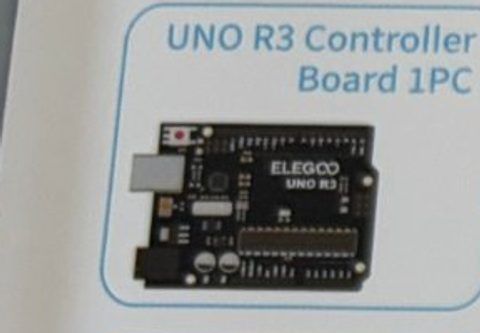
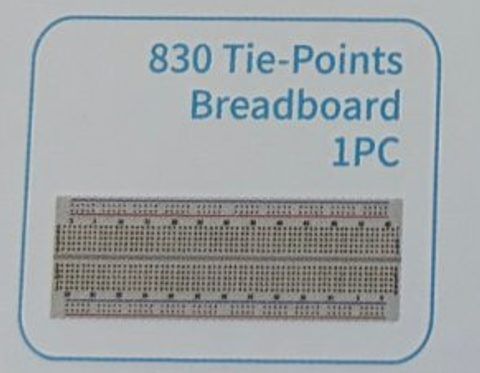

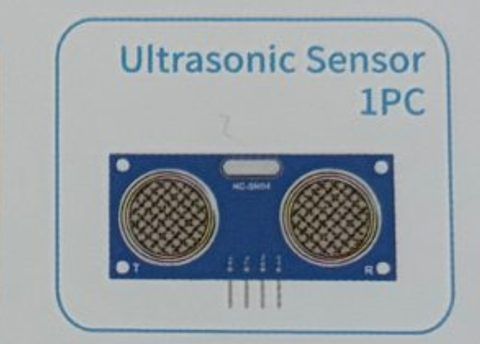

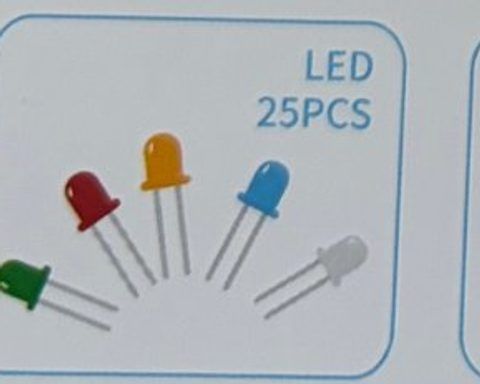
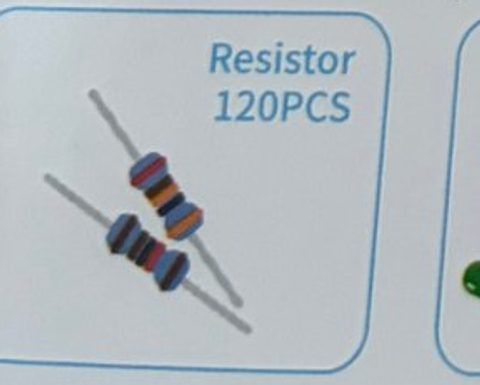
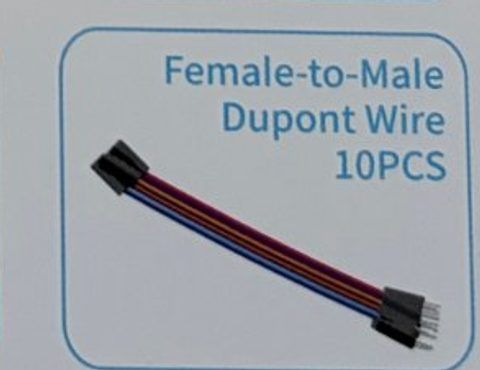

2Wire it up
The ultrasonic sensor has four pins labeled VCC, Trig, Echo, GND. Use the female-to-male wires: socket end onto the sensor, pin end into the Arduino or breadboard.
Pins used on the Arduino
- 15V · Sensor VCC
- 2Pin 9 · Sensor Trig
- 3Pin 10 · Sensor Echo
- 4Pin 8 · Buzzer +
- 5Pin 13 · Resistor → LED long leg
- 6GND · Sensor GND, buzzer −, LED short leg
- All GND pins are connected together, so any GND works.
Step by step
- 1Sensor VCC → Arduino 5V. Sensor GND → Arduino GND.
- 2Sensor Trig → Arduino pin 9. Sensor Echo → Arduino pin 10.
- 3Active buzzer: + leg → pin 8, − leg → GND.
- 4Red LED: pin 13 → 220 Ω → LED long leg, LED short leg → GND.
- 5Point the sensor's two 'eyes' toward the area you want to guard.
Connection checklist
| From | To | |
|---|---|---|
| ☐ | Sensor VCC | Arduino 5V |
| ☐ | Sensor Trig | Arduino pin 9 |
| ☐ | Sensor Echo | Arduino pin 10 |
| ☐ | Sensor GND | Arduino GND |
| ☐ | Buzzer + leg | Arduino pin 8 |
| ☐ | Buzzer − leg | Arduino GND |
| ☐ | Arduino pin 13 | 220 Ω → LED long leg (+) |
| ☐ | LED short leg (−) | Arduino GND |
3The code
Click Copy code, paste it into a new sketch in the Arduino IDE (replacing everything), then click Upload.
// Session 2 - Motion-sensor security alarm
int trigPin = 9;
int echoPin = 10;
int buzzerPin = 8;
int ledPin = 13;

int alarmDistance = 30;   // centimeters - anything closer sets off the alarm

void setup() {
  pinMode(trigPin, OUTPUT);
  pinMode(echoPin, INPUT);
  pinMode(buzzerPin, OUTPUT);
  pinMode(ledPin, OUTPUT);
  Serial.begin(9600);     // lets us print to the Serial Monitor
}

// Send a ping and time the echo. Returns distance in centimeters.
long readDistanceCm() {
  digitalWrite(trigPin, LOW);
  delayMicroseconds(2);
  digitalWrite(trigPin, HIGH);    // 10 microsecond "click"
  delayMicroseconds(10);
  digitalWrite(trigPin, LOW);

  long duration = pulseIn(echoPin, HIGH, 30000);  // microseconds until the echo comes back
  return duration * 0.034 / 2;    // sound moves 0.034 cm per microsecond, and it went there AND back
}

void loop() {
  long distance = readDistanceCm();

  Serial.print("Distance: ");
  Serial.print(distance);
  Serial.println(" cm");

  if (distance > 0 && distance < alarmDistance) {
    // INTRUDER!
    digitalWrite(ledPin, HIGH);
    digitalWrite(buzzerPin, HIGH);
    delay(100);
    digitalWrite(buzzerPin, LOW);
    delay(100);
  } else {
    // all clear
    digitalWrite(ledPin, LOW);
    digitalWrite(buzzerPin, LOW);
    delay(100);
  }
}Add the tilt ball switch: one leg → pin 2, other leg → GND. If someone picks up your alarm, it goes off. Add these pieces to the sketch above.
int tiltPin = 2;

// add to setup():
//   pinMode(tiltPin, INPUT_PULLUP);

// change the if line in loop() to:
//   if ((distance > 0 && distance < alarmDistance) || digitalRead(tiltPin) == HIGH) {

// The ball inside connects the legs when the switch is upright (LOW).
// Tilt it and the ball rolls away (HIGH). If yours is backwards, flip the switch over.4How it works
Echolocation
Bats shout and listen for the echo. The sensor does the same with a sound too high to hear. One eye is the speaker (Trig), the other is the microphone (Echo).
Timing the echo
pulseIn() measures how many microseconds the Echo pin stays HIGH, which is how long the sound took to go out and come back. Sound travels about 0.034 cm every microsecond, so distance = time × 0.034 ÷ 2 (divide by 2 because of the round trip).
The Serial Monitor
Serial.begin(9600) opens a text connection to your computer. Click the magnifying glass (top right of the Arduino IDE) to see the distance numbers scroll by. It's the best tool for figuring out what your code is thinking.
distance > 0
If nothing echoes back within the 30000 microsecond timeout, pulseIn returns 0. Without the distance > 0 check, an empty room would trigger the alarm.
5Try this
- AChange alarmDistance to 100. Now to 10. Which makes a better alarm for your desk?
- BMake the beeps faster the closer the intruder gets. Hint: delay(distance * 5).
- CAdd the button on pin 2 to arm and disarm the alarm.
- DUse the RGB LED instead: green when clear, yellow when something is within 60 cm, red within 30 cm.
6Stuck?
Distance always reads 0.+
Trig and Echo are probably swapped, or VCC isn't on 5V. Check each female-to-male wire is fully pushed onto the sensor pin.
Readings jump around wildly.+
Normal for soft or angled objects. Point the sensor at a flat wall or a book to test. Keep the sensor still.
Serial Monitor shows gibberish.+
Set the speed at the bottom-right of the Serial Monitor to 9600 baud to match Serial.begin(9600).
Alarm never stops.+
Something is permanently within range: a wall, your hand, the edge of the table. Move the sensor.